Skip to content
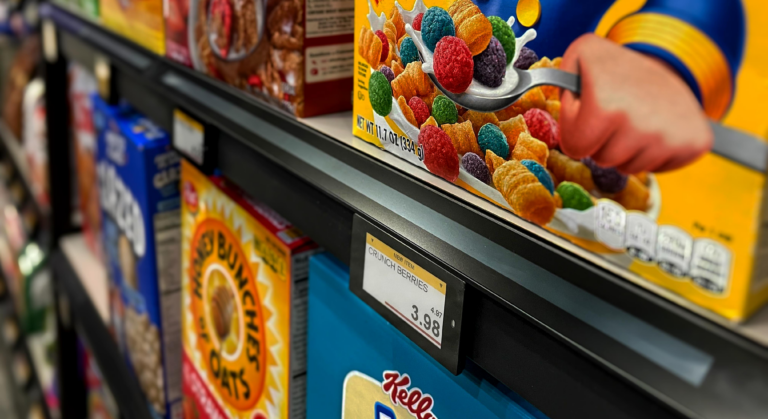
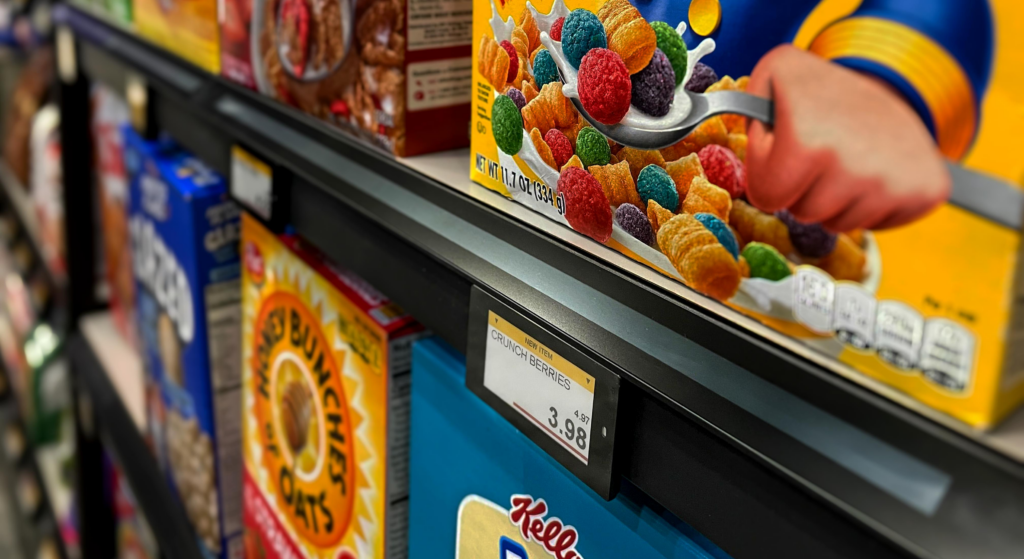
You make sure PETG extrusion is good by checking every part. Good quality starts when you set up the equipment right. You must control the process carefully. You also need to test and write down each step. Good quality helps your data strip stick well. Nova-day makes retail displays better by using advanced ESLs. They let you choose different options and help stores work faster. The table below shows how Nova-day is strong in quality and new ideas.
| Feature | Description |
|---|---|
| Advanced ESLs | Make prices more correct and lower mistakes in stores. |
| Customization Options | Give many sizes, colors, and ways to show brands and store looks. |
| Integration Capabilities | Work easily with systems stores already use for new retail ideas. |
| Operational Efficiency | Change prices automatically and make prices more correct than paper labels. |
Key Takeaways
- Set up your equipment before you start making anything. This helps make sure the filament is always good. Keep your PETG filament dry and clean. This stops bubbles and weak spots from forming in your prints. Clean the build surface before you use it. You can also use things like glue sticks or PEI sheets to help things stick better. Watch the temperature and print speed carefully. This helps the data strip stick well. Write down every quality check and test result. This will help you make your process better later.
PETG Extrusion Equipment and Production Setup
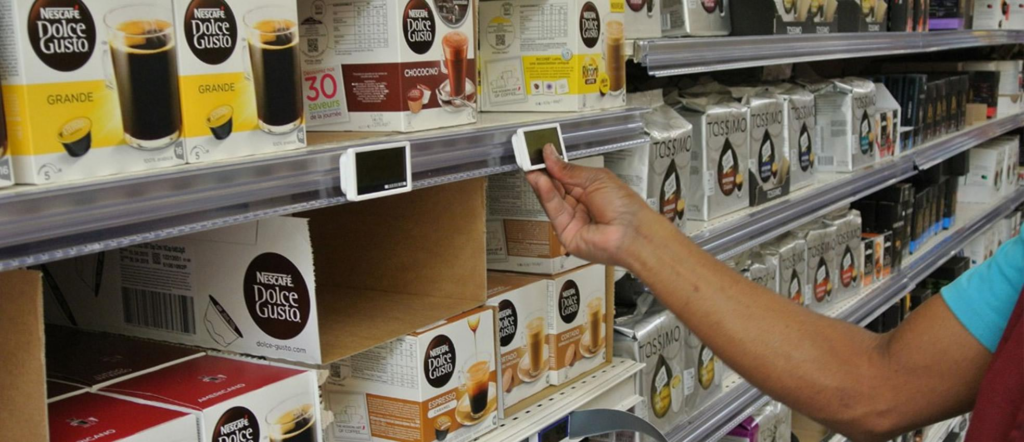
Equipment Calibration for Consistent Output
You need to check your equipment before making petg filament. Calibration helps you get the same results each time. When you set up the extrusion machine, make sure the filament is the right size and shape. To get good data strip adhesion, keep the nozzle temperature between 220 and 250°C. The bed temperature should be between 70 and 90°C. Print speed needs to be 30 to 60 mm/s. Retraction settings should be 3 to 7 mm. Check the filament diameter so it does not change more than ±0.03 mm. The filament surface should look smooth. You do not want bubbles or holes. The filament must wind evenly on the spool. If you follow these steps, you will have better quality and fewer problems.
| Calibration Aspect | Standard Requirement |
|---|---|
| Consistent Diameter | ±0.03 mm for stable extrusion |
| Surface Quality | Smooth without bubbles or voids |
| Spool Winding | Even winding for reliable feeding |
Maintenance and Cleaning Best Practices
You need to keep your extrusion equipment clean and working well. If you do not clean the machine, dust and old filament can cause trouble. Clean the machine before, during, and after each production run. Check the belts and wheels to make sure they are tight. Lubricate moving parts so motors do not get too hot. Look for loose parts, leaks, or strange noises. Keep a log of all maintenance work. This helps you remember what you did and when. Train your team to check the equipment every day. If you do these things, you will have fewer breakdowns and better filament quality.
| Maintenance Practice | Description |
|---|---|
| Cleanliness | Clean machine before, during, and after maintenance. |
| Lubrication | Use correct lubricants for moving parts. |
| Inspection Detail | Check for wear, damage, loose parts, leaks, and unusual noises. |
| Log Keeping | Record all maintenance work, including dates and tasks. |
| Operator Training | Train operators to perform daily checks and report issues. |
Nova-day’s Approach to Production Quality
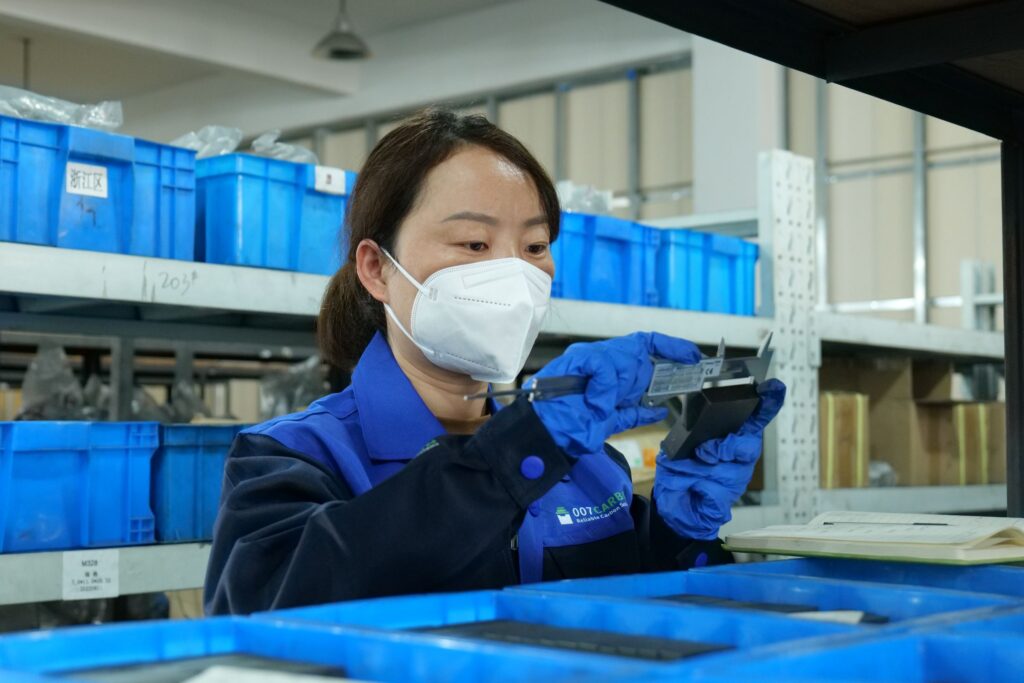
Nova-day uses strong petg filament for retail display products. The company checks every step in the production process. Nova-day uses high impact resistance petg. This keeps products safe even if handled roughly. The filament has great clarity, which is good for clear data strips. Nova-day dries the filament before extrusion. This stops bubbles and keeps the filament smooth. The company uses a 0.8 mm nozzle to make the filament lines softer. Nova-day turns off the cooling fan during production. This lets the filament cool slowly and reduces stress. The company checks the bed temperature and nozzle height for every run. Nova-day trains its team to spot problems early. You can trust Nova-day to deliver high quality filament and strong data strip adhesion every time.
| Strengths of PETG | Description |
|---|---|
| High Impact Resistance | Ensures products remain intact under rough handling conditions. |
| Excellent Clarity | Ideal for applications requiring transparency, such as food containers. |
| Ease of Processing | Can be easily thermoformed and extruded, allowing for versatile designs. |
| Food Safety | FDA-approved for food contact, ensuring safety for consumers. |
| Recyclability | Fully recyclable, reducing environmental impact. |
| Low Emission Production | Generates fewer emissions compared to other plastics. |
| Energy Efficiency | Requires less energy during extrusion. |
| Durability and Longevity | Longer lifecycle reduces the need for frequent replacements. |
Tip: Always dry your filament before starting petg extrusion. This helps you avoid bubbles and keeps your filament clear and strong.
Key Process Controls for Data Strip Adhesion
Temperature and Speed Optimization
You need to watch temperature and speed for strong data strip adhesion in PETG extrusion. Set the nozzle temperature between 220 and 250°C so the filament melts and sticks well. For the first layer, make the nozzle hotter by 5 to 10°C. This helps layers stick together and keeps the data strip in place. The bed temperature should be between 70 and 90°C. For the first layer, use a bed temperature of 85 to 90°C. This stops the corners from lifting and helps the print stick.
Print speed is important for good results. Use a speed between 30 and 60 mm/s. If you go too fast, you might see gaps or weak layers. Slower speed gives better layers and more even prints. Set the cooling fan speed between 20 and 40%. This stops the print from cooling too fast and keeps the layers strong.
| Parameter | Recommended Range |
|---|---|
| Nozzle Temperature | 220-250°C |
| Heated Bed Temperature | 70-90°C |
| First Layer Nozzle Temp | +5-10°C higher |
| First Layer Bed Temp | 85-90°C |
| Print Speed | 30-60 mm/s |
| Cooling Fan Speed | 20-40% |
Tip: Always check your first layer. If the nozzle is too high, the print will not stick. If it is too low, the filament can get blocked and cause problems.
Material Handling and Storage
Keep your petg filament dry and clean for good prints. If the filament gets wet, you will see bubbles and weak layers. Store filament in airtight boxes with silica gel packs. Use special dry boxes with humidity meters. For long storage, vacuum-sealed bags work best. Dry your filament at 60 to 65°C for 4 to 6 hours before using it. You can use a food dehydrator or an oven set at 60°C with the door open a little.
| Storage Method | Description |
|---|---|
| Airtight containers | Use with silica gel desiccant packs |
| Dedicated filament dry boxes | Equipped with humidity indicators |
| Vacuum-sealed bags | Ideal for long-term storage |
| Drying methods | Filament dryer at 60-65°C for 4-6 hours |
| Food dehydrator | 60°C for 4-8 hours |
| Oven | 60-65°C, door cracked for ventilation |
Wear clean gloves when you touch the filament. Oils from your hands can make the print not stick well. Always check for dust before putting filament in the machine. Clean filament gives you better prints every time.
Surface Preparation for Adhesion
Get the surface ready before you start printing. Wipe off dust, oils, and release agents from the build plate. Use lint-free cloths and wear clean gloves. This helps the print stick and keeps your results even. For better layers, use things like PEI sheets, painter’s tape, or glue stick on the bed.
You can use corona or plasma treatment to make the PETG surface better for sticking. This helps the data strip stay on and makes layers stronger. Try to get surface energy above 38 to 42 dynes/cm. Keep the room temperature and humidity steady. This stops water drops and other problems.
- Clean and get the build plate ready.
- Use corona or plasma treatment for better sticking.
- Control room temperature and humidity for good prints.
- Use bed adhesion solutions for a strong first layer.
Note: Level the print bed and set the nozzle at the right height. PETG works best with the nozzle a little higher. This stops too much squishing and gives you better prints.
Follow these steps every time you print. Nova-day checks each step for good results. The team learns to find problems early. You get strong data strip adhesion and good layers in every print.
Adhesion Testing and Quality Assurance
Adhesion Test Methods for PETG Data Strips
You need to use the right testing methods to check the bonding of PETG data strips. Good testing helps you measure strength and see if your process works. You can use standard tests to check how well the resin bonds to the strip. These tests show if your filament consistency and bonding are strong enough for retail use.
| Test Method | Description |
|---|---|
| ASTM D5045–99 | Measures fracture toughness and energy release rate for plastic materials. |
| ASTM D6862 | Checks 90-degree peel resistance of adhesives for bonding strength. |
| ASTM D1876 | Uses a T-peel test to measure peel resistance for adhesives and bonding. |
You should run these tests on every batch. This helps you keep quality control high and makes sure your PETG data strips have the right strength for daily use.
Performance Metrics and Troubleshooting
You must track performance metrics to keep bonding strong. Look at peel strength, resin clarity, and filament consistency. If you see weak bonding or poor adhesion, you can fix it with simple steps.
- Apply a glue stick to the bed for better bonding.
- Use hairspray for a sticky surface.
- Try painter’s tape or PEI sheets for extra strength.
- Set the bed temperature to 60°C for small prints or 70°C to 80°C for large prints.
Follow these steps to solve common bonding problems:
- Calibrate for more “squish” to improve first layer bonding.
- Apply glue stick before printing.
- Clean the nozzle and bed to remove resin and moisture.
- Preheat the printer to PETG settings.
- Adjust the Z-axis height for perfect filament consistency.
Tip: Always check for moisture in your filament. Moisture can lower bonding strength and cause bubbles in the resin.
QA Documentation and Continuous Improvement
You need to keep good records for quality control. Nova-day uses detailed QA documentation for every production run. You should write down all testing results, performance checks, and bonding adjustments. This helps you spot trends and improve strength over time.
For continuous improvement, focus on three main areas:
- Temperature management keeps bonding and filament consistency high.
- Moisture control stops resin from losing strength. Dry PETG at 55-65°C for 4-6 hours and store it with desiccant.
- Retraction settings help you keep filament consistency and bonding strong.
Nova-day trains its team to watch for changes in bonding, resin quality, and filament consistency. You can use these steps to keep your PETG data strips strong and reliable in every batch.
You can get strong layers and good prints by using the best steps. Always dry your filament before you print. Make sure the build surface is clean. Level the bed to help your prints turn out better. Nova-day is a leader in retail displays because they care about quality and new ideas. If you want to check your work fast, use this QA manager’s checklist:
| Checklist Item | Description |
|---|---|
| All-metal hotend | Handles PETG’s high temperatures for better print quality. |
| Direct-drive extruder | Improves filament control and interlayer bonding. |
| PEI-coated heated build plate | Ensures reliable adhesion and easy part removal. |
Check your process often. Even small changes can make your layers stronger and your prints better over time.
FAQ
What is the best way to store PETG filament?
You should keep PETG filament in an airtight container with silica gel packs. This stops moisture from getting in. You can also use vacuum-sealed bags for long-term storage.
How do you test data strip adhesion strength?
You can use peel tests like ASTM D6862 or T-peel tests (ASTM D1876). These tests measure how much force it takes to pull the strip off. Record your results for each batch.
Tip: Always test samples from every production run to catch problems early.
Why does my PETG print not stick to the bed?
Check if the bed is clean and level. Use a PEI sheet, glue stick, or painter’s tape for better adhesion. Make sure the first layer temperature is set higher.
| Problem | Solution |
|---|---|
| Dusty bed | Clean with alcohol |
| Low temperature | Raise first layer temp |
| Uneven surface | Re-level the bed |
How often should you calibrate extrusion equipment?
You should calibrate your equipment before every production run. This keeps your filament diameter and quality consistent. Daily checks help you spot issues before they affect your products.